Helpful details
How your idea becomes a website
From your idea to a polished first draft
Tell Tilkly what your business offers, who the website is for, and how you want it to feel. The AI turns that short description into a complete first draft with a clear message, useful sections, and suggested images.
Make every detail feel like yours
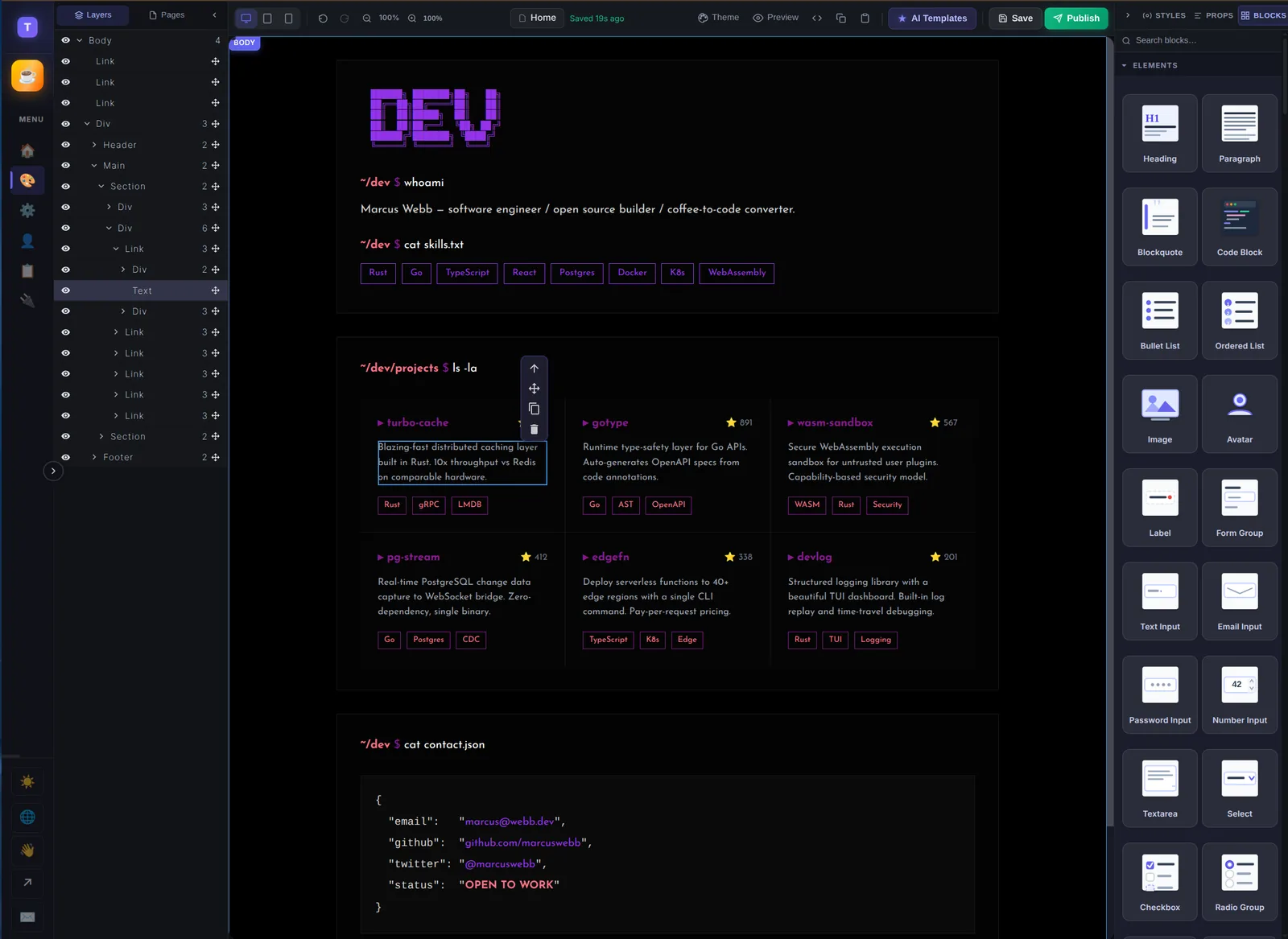
The first draft is only a starting point. Move sections, rewrite the words, change colours, replace images, add a form, or place a payment button wherever it feels right. Preview everything before you publish, and download a clean copy whenever you choose.
The result feels considered from the first visit, while every detail remains yours to change. Publish when it feels right, or download a clean copy to keep or share with a developer.